Music from the Internet
The LimeWire main window is structured by five tabs, each of which offers access to the most needed functions during a client session. There is, however, an advanced Options dialog, which covers the not so often needed settings.
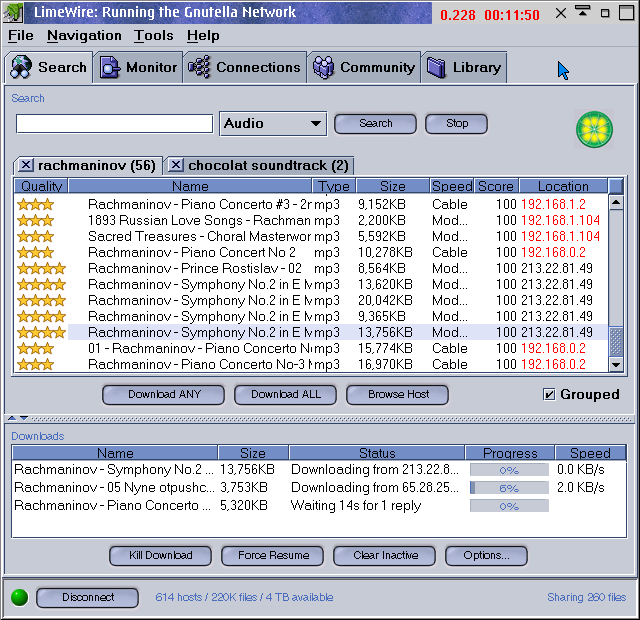
By starting LimeWire, you will find yourself in the Search tab by default, and you could start your searches almost instantly, when LimeWire is connected. It automatically connects to the LimeWire router. You can see your connection status by observing the dot in the lower left corner: if you're connected, it's green, otherwise it's red, and even the button beneath it will change its function and say either Connect or Disconnect. The Connections tab will give you even more details about your connection status.
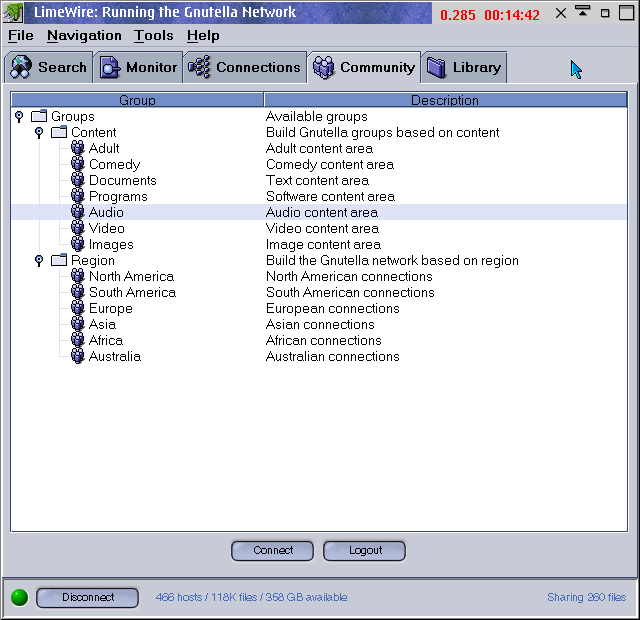
If you want to specify your searches, and get better results, try opening the Community tab and pick either a certain content, e. g. 'Video', or (in case you're running into troubles with download speed), pick a region, e. g. Europe. Then, click on the connect button, and wait for LimeWire to connect to the appropriate group. This may take a while, but after LimeWire has discovered enough hosts, you should get better results.
You can start multiple search requests at a time, each of which shows up behind a new tab on top of the area where the search results are displayed. LimeWire allows you to group the results just by clicking on the descriptors, to easily give you an overview in alphabetically order, or list it according to the connection speed of its current owner. Double-clicking on a result starts the download - you can view the status of your downloads in the downloads section, which should be visible underneath the results section. If you can't see it: the sizes are customizable. To change the font size grab the dotted bar between them with your mouse.
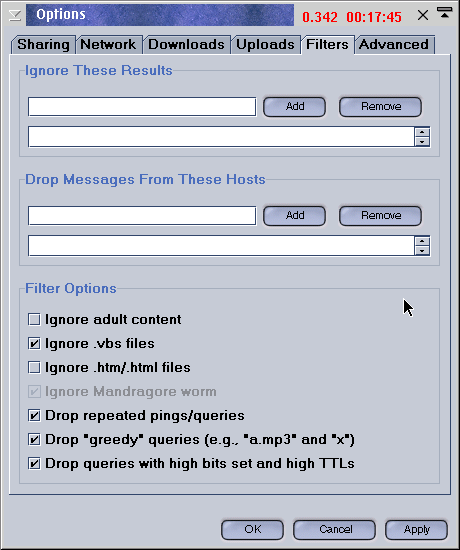
The last thing you should learn about is the 'Options' dialogue.Here you can provide information for LimeWire on lots of not so frequently used settings. In the 'Sharing' tab you can set and remove directories you want to share on gNet, moreover it is possible to limit file sharing to certain file extensions, like doc, html, mp3, jpg, etc.